Inventory Management Module Features
Transform your Perfex CRM software by implementing this module with full-featured control of the inventory. The inventory management solution adapted to the needs of the companies that need to keep track of the products, manage the warehouse operations, and maintain accurate stock levels, turns your CRM to an all-in-one platform for business management.
The installation of Perfex CRM, which you already have, is completely integrated with this module and powerful inventory tracking features are incorporated, including the entire product journey from the supplier to the customer. You will be able to see the movement of stock, have a more than one warehouse management, trace the serial numbers, and keep the records of the inventory without switching to different software systems.
The feature of inventory management is integrated into the system in such a way that it works as a Perfex CRM extension by just amplifying the existing product and service items with necessary extra attributes indispensable for their effective stock control. Now each product in your system can also have details like SKU codes, barcode information, purchase prices, profit margins, warehouse locations, and expiration dates included. Such a thorough approach not only unites all product information into one central system but also prevents it from being scattered around various applications.
The integration of the inventory module is a simple and easy process. First of all, verify that Perfex CRM is properly installed and functioning on your server. The next step will be to upload the files of the inventory module to the location in your CRM installation as per the provided instructions. Afterwards, you will have to turn on the module from the admin panel of your CRM. Once it is turned on, configure your warehouse, product attributes, and inventory settings according to the requirements of your business.Lastly, start importing your existing products and stock levels into the new inventory system.
Prior to the activation of the inventory module, you are welcome to take a look at the live demo that lets you see the system in action within the Perfex CRM. The demo serves to display the major inventory screens, the product management functions, the warehouse operations, and the reporting capabilities thus painting a clear picture of the module's contribution to the entire CRM system.
If you want to include the inventory management feature in your Perfex CRM, then the first thing you should do is to download the inventory module package. The downloaded files will not only contain the essential components for integration but also the comprehensively written documentation which covers the installation steps, configuration options, and usage instructions related to the inventory management processes.
Download links:
https://ouo.io/dJLKZV5
https://cuty.io/AmTZeJwD
https://jio.bz/NBbmgb
Live demo available to see module functionality
Complete documentation included for installation guidance
Version 1.5.1 with latest features and improvements
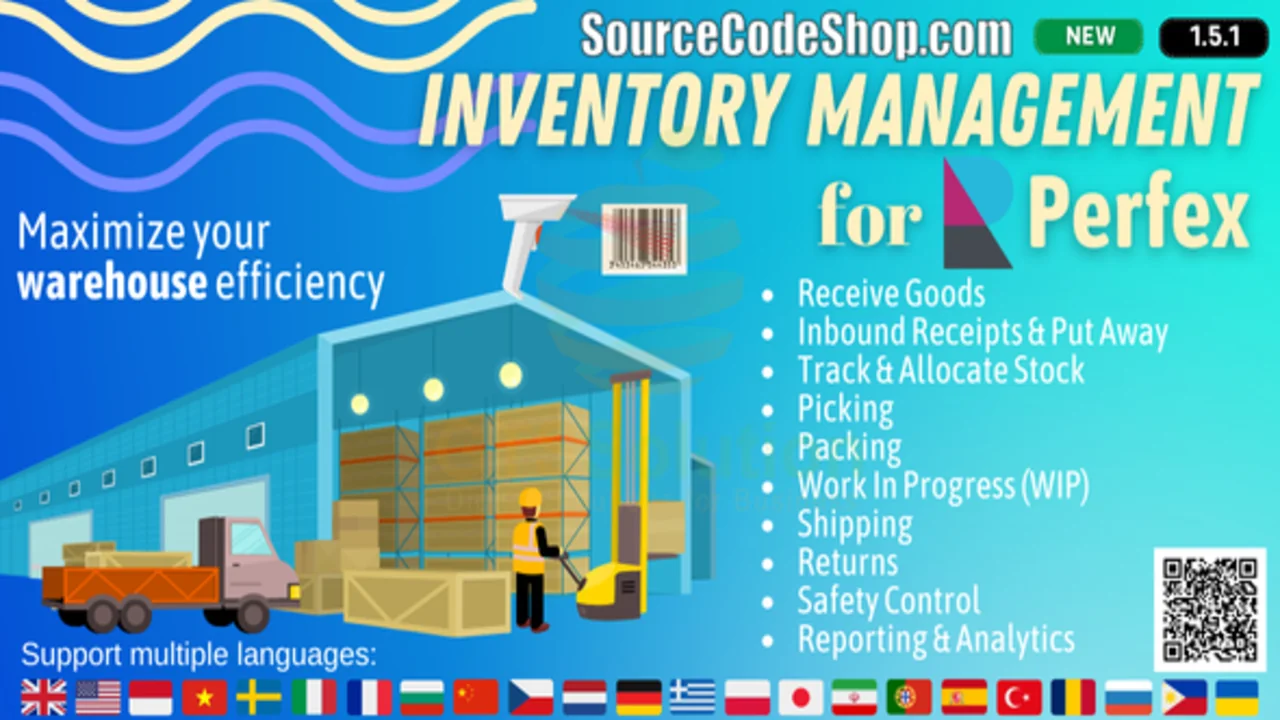
This is an additional module that works only with Perfex CRM and requires a working Perfex CRM installation for operation. Rather than being a separate inventory software, the module adds on to your current CRM system. The demonstration images presented in the promotional materials depict the module functionalities but they are not part of the download package. You will set up the inventory system with the product data, warehouse information, and business rules that suit your specific operational requirements.